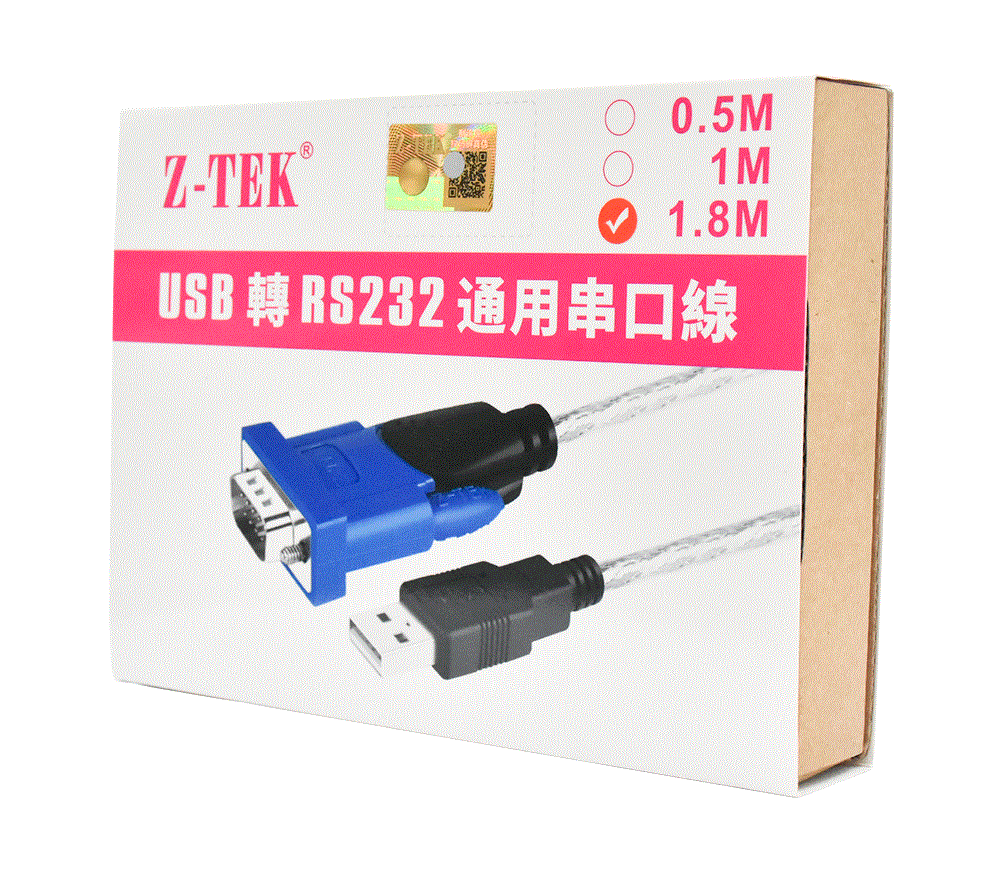
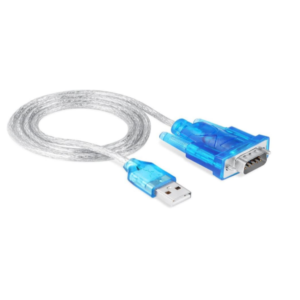
RS232, USBZ-TEK ZE394C USB to Serial RS232 Cable 1.8m
-
USB to RS232 Conversion: Converts a USB port on your computer to an RS232 serial port. This is useful for connecting devices that use serial communication to a modern computer that only has USB ports.
-
Length: The cable is 1.8 meters (approximately 6 feet) long, providing flexibility in positioning your devices.
-
Compatibility: It’s generally compatible with a range of operating systems, but it’s always a good idea to check for specific driver support for your OS (e.g., Windows, macOS, Linux).
-
Driver Support: May require drivers to function correctly. These drivers are typically available on the manufacturer’s website or sometimes included in the package.
-
Data Transfer: Supports standard RS232 data rates and communication protocols.
Common Uses:
-
Connecting Legacy Equipment: Useful for connecting older serial devices like printers, modems, or other peripherals to a modern computer.
-
Industrial Applications: Often used in industrial settings where equipment still relies on serial communication for data transfer.
-
Technical and Engineering Tasks: Useful for tasks that require direct communication with serial devices for configuration or data logging.
Setup Tips:
-
Install Drivers: Before plugging in the cable, install the necessary drivers on your computer to ensure proper functionality.
-
Connect Devices: Plug the USB end into your computer and the RS232 end into your serial device.
-
Configure Ports: Use your computer’s device manager or equivalent to configure the serial port settings if needed.
-
Test the Connection: Use terminal software or other diagnostic tools to ensure the connection is working properly.
475,00 EGP
1 in stock
Compare

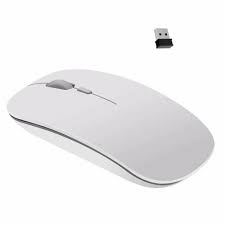 mouse wireless great wall s320
1 × 150,00 EGP
mouse wireless great wall s320
1 × 150,00 EGP 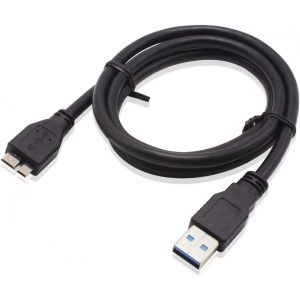 NOT3 35CM Micro USB 3.0 Cable For Western Digital WD My Passport External Hard Drive
1 × 35,00 EGP
NOT3 35CM Micro USB 3.0 Cable For Western Digital WD My Passport External Hard Drive
1 × 35,00 EGP 



































There are no reviews yet.