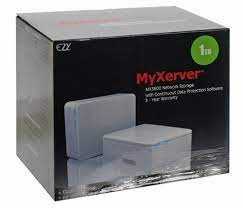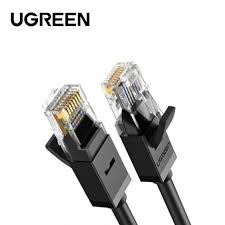
My Xerver™ MX3600 Network Storage enclosure with hard drive Power Adapter Ethernet Cable Quick Start Guide •Setup CD Rubber Feet (4x)
PC or Mac with internet browser and network access Switch, router or cable modem with one free Ethernet port for MyXerver™ MX3600 Network
Storage
PC users: Windows 2000 / XP / Vista™

Mac users : Mac OSX 10.3 or later
Connect the network cable to the Ethernet port at the rear panel of MX3600. Connect the other end to your
hub or switch.
2.Connect the power adapter to a power outlet, and plug the power cord into MX3600’s power input
at the rear panel.
3.Locate the power button at the rear panel of MX3600. Press it once to power on the NAS.
4. MX3600 will start a bootup process, and the system power LED will blink continuously Boot up time is approximately 1 3 minutes. System Power LED HDD Activity LED System Reset USB Eject Button / USB Copy Button USB 2.0 port to add storage or to connect o to printer Auto sensing 10/100/1000 Base T Ethernet port (Auto MDIX) DC In Power Button4

NB North Bayou p4 Full Motion TV Wall Mount for Most 32-60 Inch Computer Monitors and TVs,Adjustable Tilting, Rotating.Weight up to 60lbs (32" to 65")
TOTAL Fabric Cloth 13 Inch Bag THT261325
HDMI Extension Cable Extender High Speed HDMI Male To Female
Rock Tank Travel WiFi Repeater With Charger – Black (ROT0711)
TP-LINK 8-PORT 10/100MBPS DESKTOP NETWORK SWITCH LS1008
Ezcast M.2 NVMe Portable SSD Enclosure


There are no reviews yet.