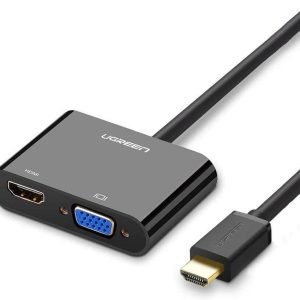
The Dell Adapter – USB-C to HDMI/VGA/Ethernet/USB 3.0 connects your mobile computer to an external display with your choice of HDMI or VGA outputs. Replaces need for multiple adapters: The compact Dell Adapter – USB-C to HDMI/VGA/Ethernet/USB 3.0 offers a plug-and-play solution for connecting your laptop or notebook to an external display and other essential devices. The adapter also features an Ethernet port, which means it can replace as many as three dongles to save you space on your desk and in your bag. Onboard USB 3.0 means you still have an open port to connect with USB peripherals. Choose from VGA or HDMI video output: Choose from available VGA and HDMI ports to connect your mobile computer to an external monitor. The Dell Adapter gives you the flexibility to use a wide variety of monitors to expand your desktop and stay productive while managing multiple applications. Ethernet port connects to wired networks: The Dell Adapter – USB-C to HDMI/VGA/Ethernet/USB 3.0 lets you connect to wired networks via an Ethernet port when needed. This ensures you can connect to the Internet and stay productive in virtually any environment. USB 3.0 port lets you connect to more peripherals: With the Dell Adapter you can add productivity options without sacrificing USB connectivity. Using the included USB 3.0 port, you’re free to connect to a range of everyday peripherals, such as printers, scanners, and external hard drives. This product is compatible with the following systems: XPS 12 (9250); Latitude 7275; Latitude 11 (5175); Latitude 7370; Latitude 12 Rugged Extreme 7214; Latitude 14 Rugged Extreme 7414; Latitude 14 Rugged 5414; Inspiron 13 7000 Series (7368); Inspiron 15 7000 Series (7569); Inspiron 17 7000 Series (7778); Latitude 5280; Latitude 5480; Latitude 5580; XPS 9365; Precision 5520; Latitude 7280; Precision 3520; Latitude 7480; OptiPlex AIO 7450; OptiPlex 7050 MFF; OptiPlex 7050 SFF; OptiPlex 7050 MT; Latitude 5285 2-in-1; Precision 7520; Latitude 5289 2-in-1

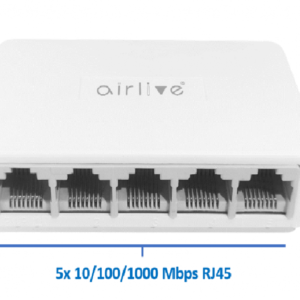 5-port SOHO Gigabit switch, Plug and Play air live Live-5GT
1 × 650,00 EGP
5-port SOHO Gigabit switch, Plug and Play air live Live-5GT
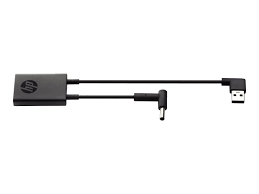
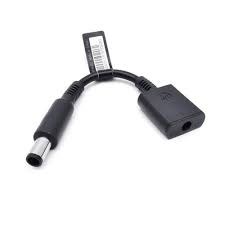
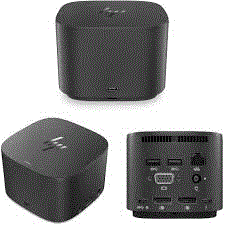
1 × 650,00 EGP 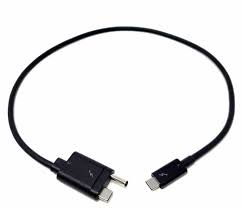 HP Elite Thunderbolt 3 Power Cable for Use With Docking Station (843011-001, 855117-001) N
1 × 350,00 EGP
HP Elite Thunderbolt 3 Power Cable for Use With Docking Station (843011-001, 855117-001) N
1 × 350,00 EGP 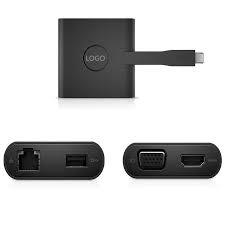 Dell DA200 Docking USB-C To Hdmi/Ethernet/VGA/USB HUB
1 × 550,00 EGP
Dell DA200 Docking USB-C To Hdmi/Ethernet/VGA/USB HUB
1 × 550,00 EGP 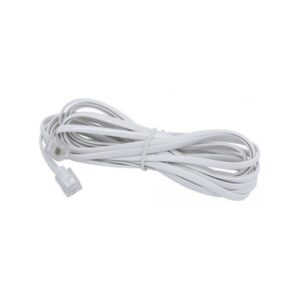 Telephone Wire - 8 Meters
1 × 20,00 EGP
Telephone Wire - 8 Meters
1 × 20,00 EGP